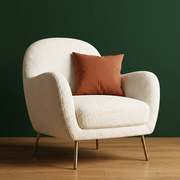
Virtual staging · iPhone · Android · Web
Picture an empty room furnished.
An empty room can be hard to read. Upload a photo of a vacant room, confirm the room type and choose an interior style, and Roomture creates an AI visualization of the space furnished in that look.


Free to try. Paid plans and limits apply. See pricing.
Start with a clear, empty view
Use a well-lit photo that shows the walls, windows and floor. To keep the walls, windows and floor as they are, choose Furnishings only in the app (Structural Preservation on the web). In the mobile apps, you can run Cleanup first and continue from the tidied result.
Compare a few styles
Try the same room in several interior styles to see which furniture look, palette and mood suits the space. Each result is one AI interpretation of that camera view, so compare it with the empty original.
Use staged images responsibly
The furniture and decor in a staged image are generated by AI; an item shown is not a specific product and is not a guarantee that it will fit. If you use a staged image to market a property, follow the disclosure rules that apply to you and label it as virtually staged.
See actual photo-to-design examples
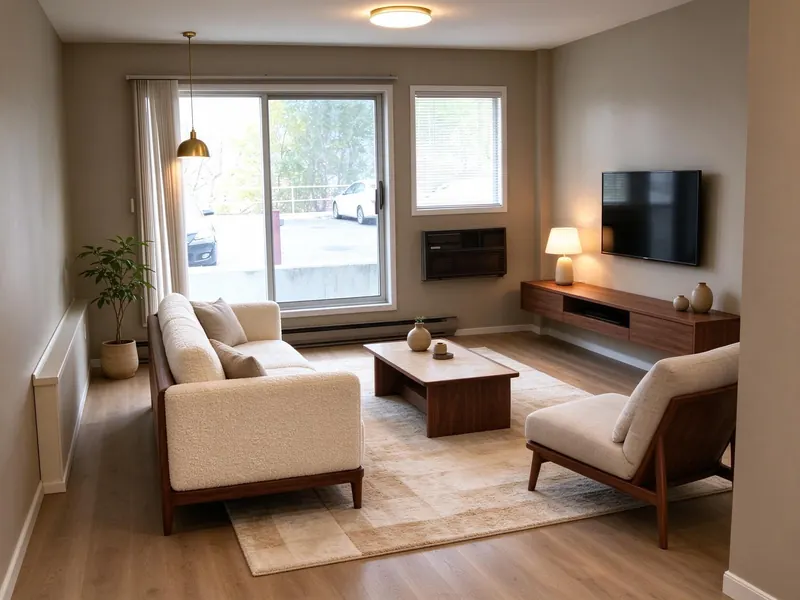
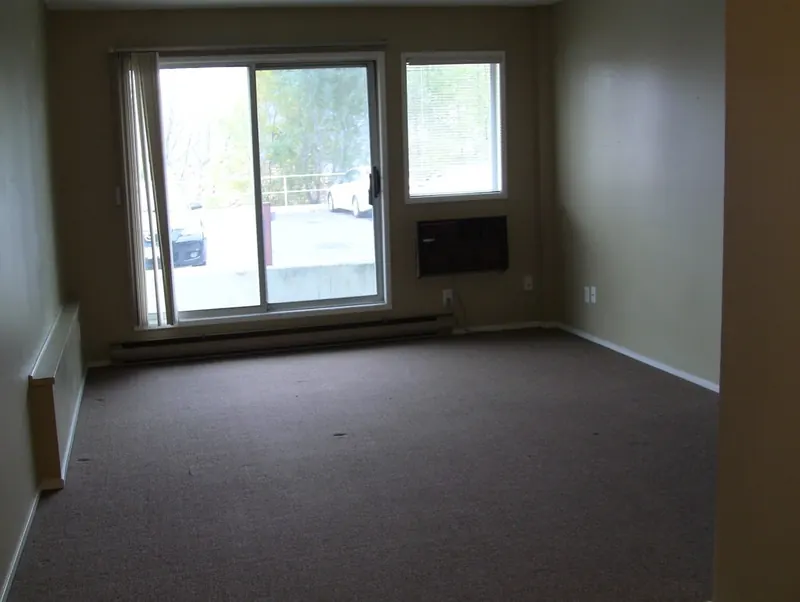
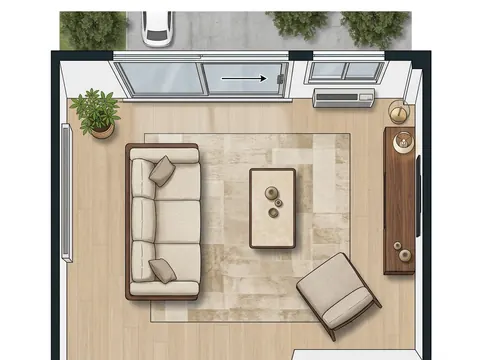
Is Roomture a virtual staging service for property listings?
No. Roomture is a self-serve design app rather than a staging service: there is no designer, batch ordering or listing delivery. You upload an empty-room photo yourself, create AI staging ideas and decide how to use them.
Browse all examples