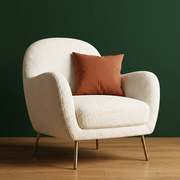
Photo design · iPhone · Android · Web
Explore a different feel for your bedroom.
Start with a photo of your own bedroom to compare a new visual direction. Roomture can help you explore how a different palette, bed style or storage look changes the room.


Free to try. Paid plans and limits apply. See pricing.
Work from your existing view
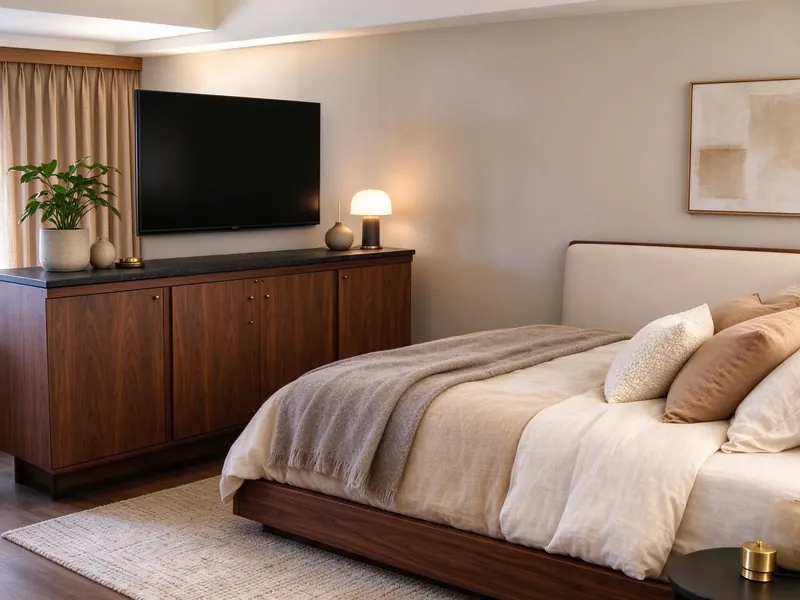
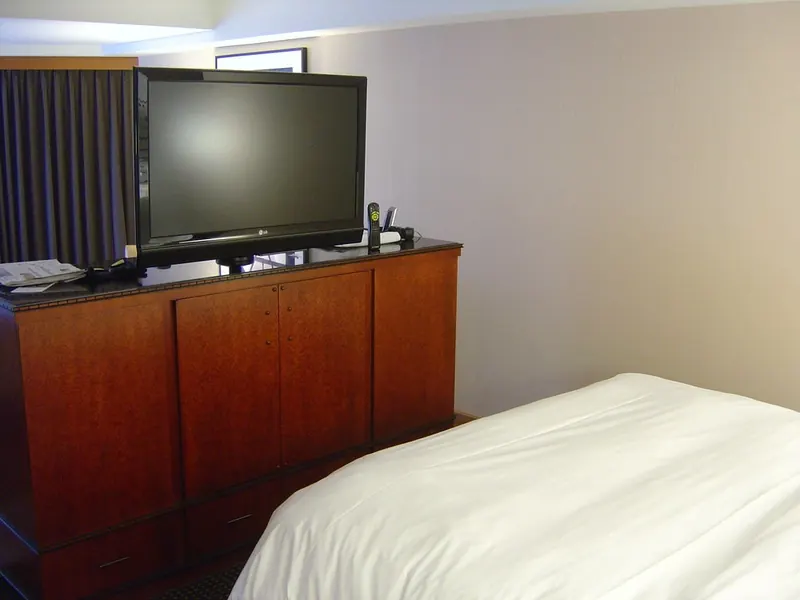
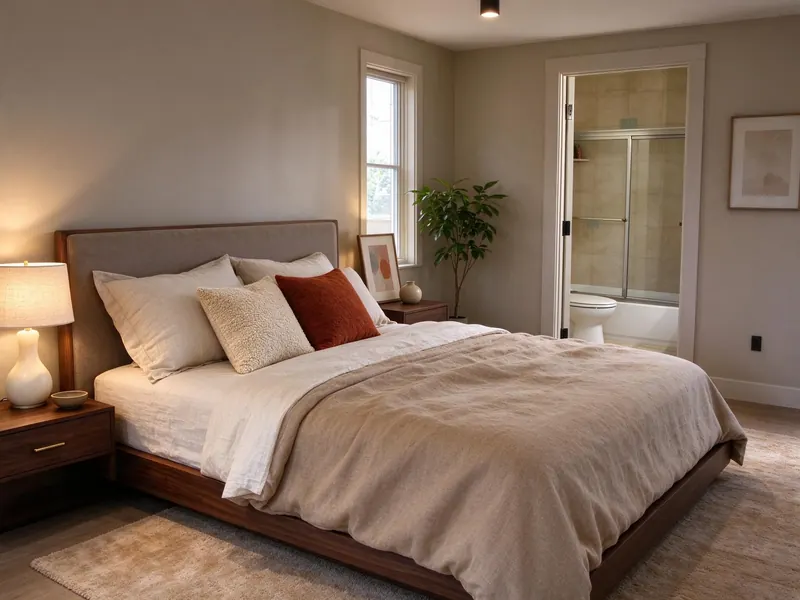
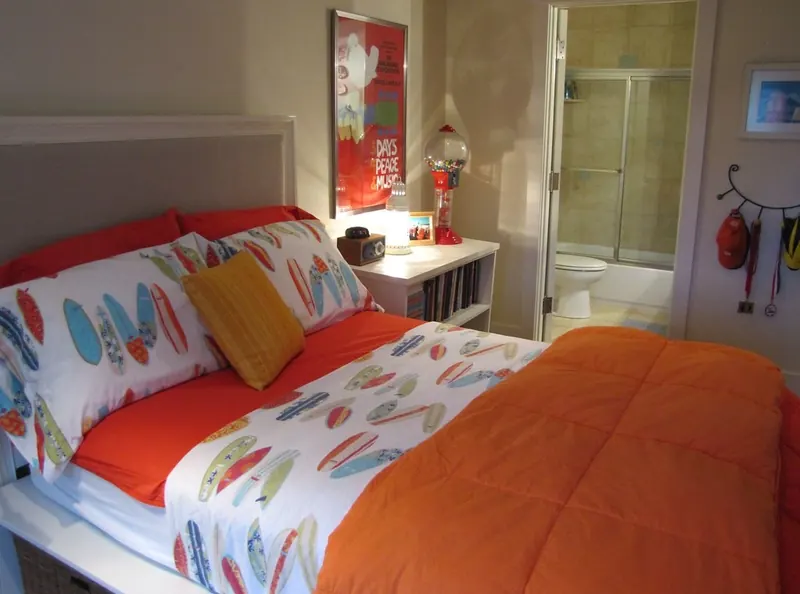
Upload a photo that shows the bed and surrounding walls, then confirm the room type as Bedroom and choose an interior style. Compare the generated image with the original to see which parts of the new look you want to explore further.
Look at color and materials together
Try the Paint or New Floor tool for a focused preview, or use a reference image to explore a style you like. The results are AI visualizations, so on-screen colors and textures are not a guarantee of a real material match.
Verify bedside and storage space
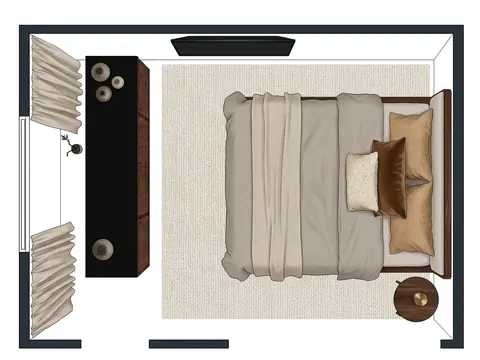
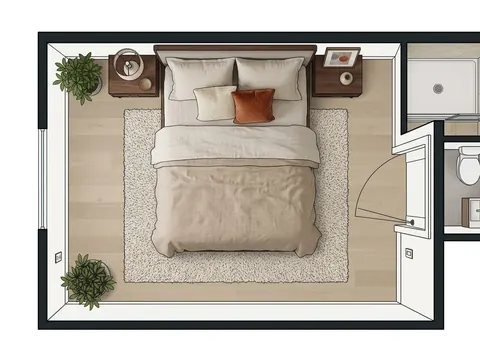
In the mobile app, you can edit furniture in a single-room plan for a completed indoor design. Check your own room, bed and wardrobe measurements before relying on the layout. A generated plan can contain estimated sizes or placement errors.
See actual photo-to-design examples
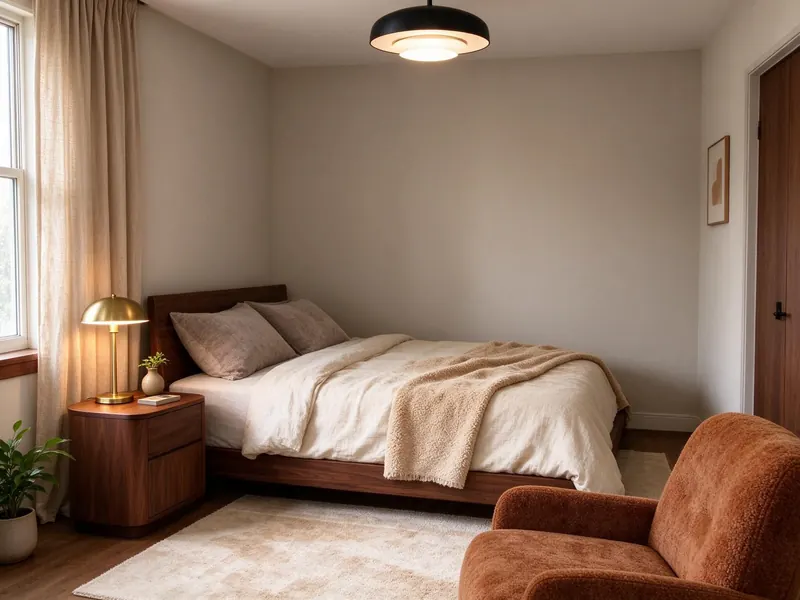
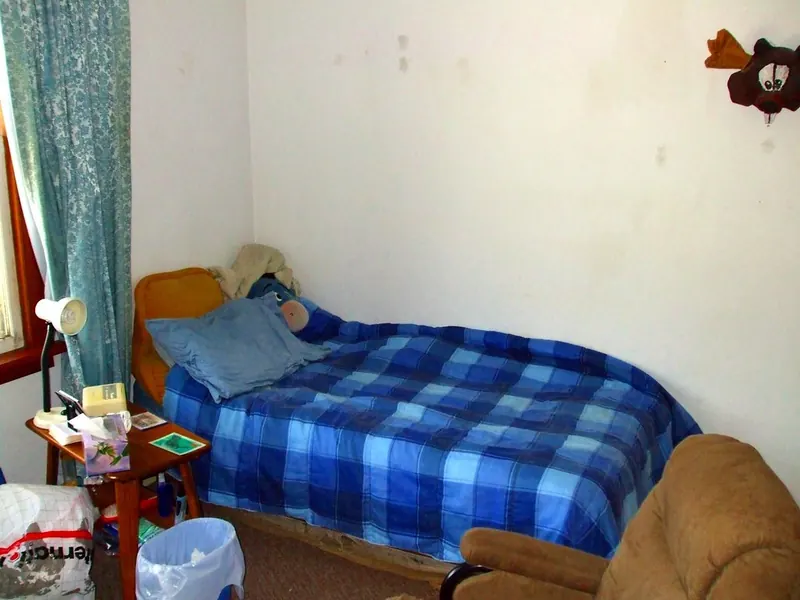
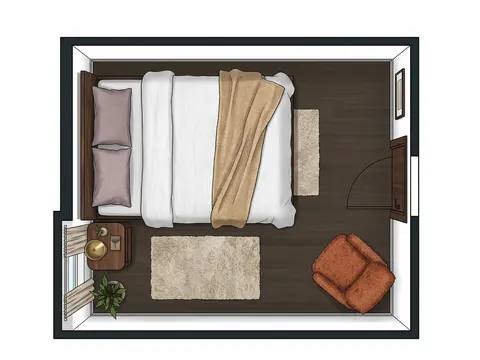
Can Roomture help with a small bedroom?
You can upload a small-bedroom photo to explore different visual ideas. Measure the space before choosing furniture or using the mobile plan; a new-looking image does not establish that the bed, storage and clearances will fit.
Browse all examples