Photo design · iPhone · Android · Web
Picture a different look for your kitchen.
Upload your kitchen photo and explore an AI redesign. Compare cabinet finishes, colors and the overall style as visual inspiration before planning the practical work.


Free to try. Paid plans and limits apply. See pricing.
Explore the visual direction
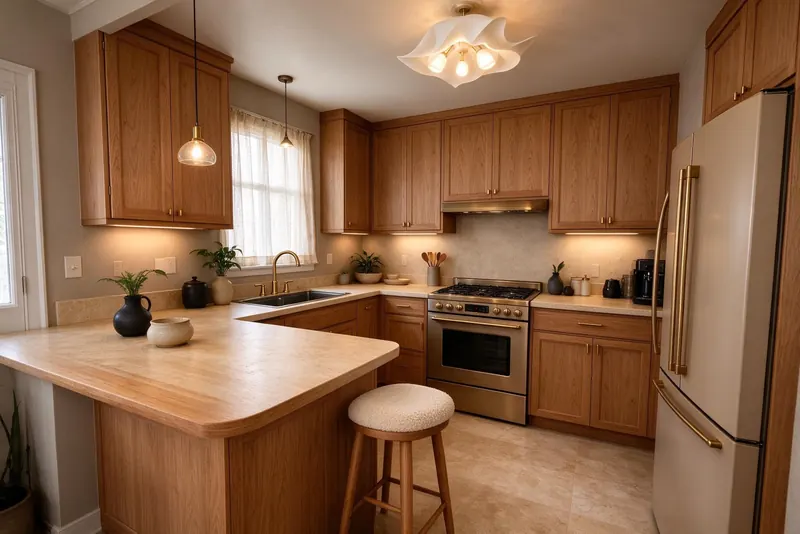
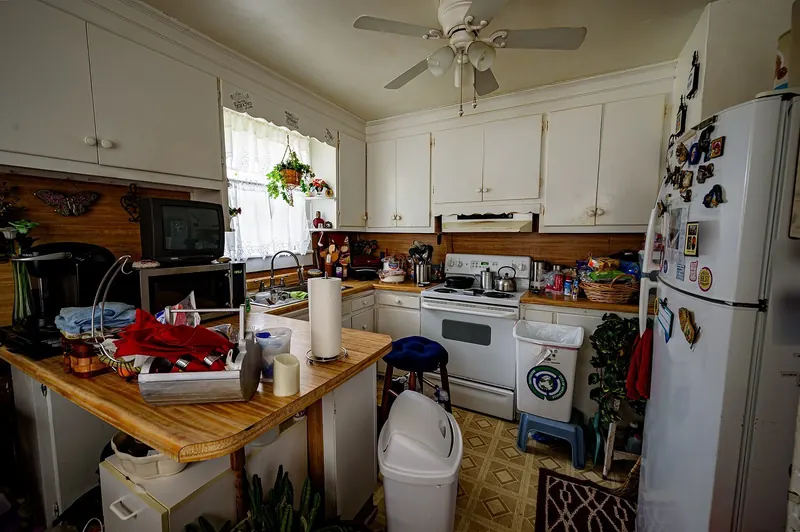
Confirm the room type as Kitchen and choose an interior style to see a new interpretation of the space. Compare the generated image with your original photo, especially around cabinets, appliances, windows and countertops.
Preview a finish change
The Paint and New Floor tools provide focused photo previews. You can also use a reference style to explore how different colors and materials might look together in the room.
Keep renovation planning separate
Roomture does not produce cabinet fabrication drawings, plumbing or electrical plans, contractor quotes or building-code approval. Confirm dimensions, appliance clearances and any installation changes separately before ordering or renovating.
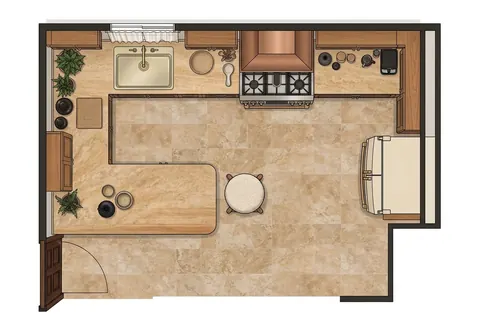
See actual photo-to-design examples
Is the result a kitchen installation plan?
No. It is an AI-generated visual preview. The mobile indoor-room plan and PDF features do not turn a kitchen image into verified cabinetry, service or construction drawings.
Browse all examples