Photo design · iPhone · Android · Web
Find a look for the living room you have.
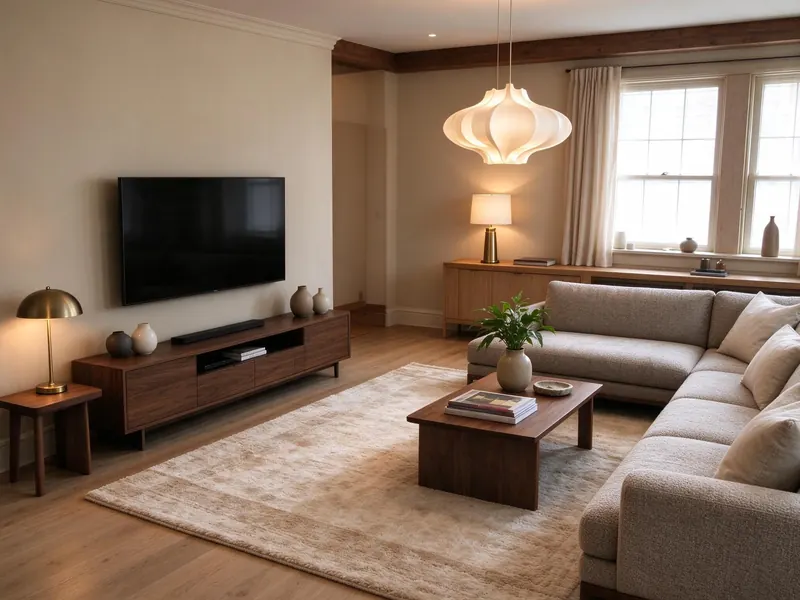
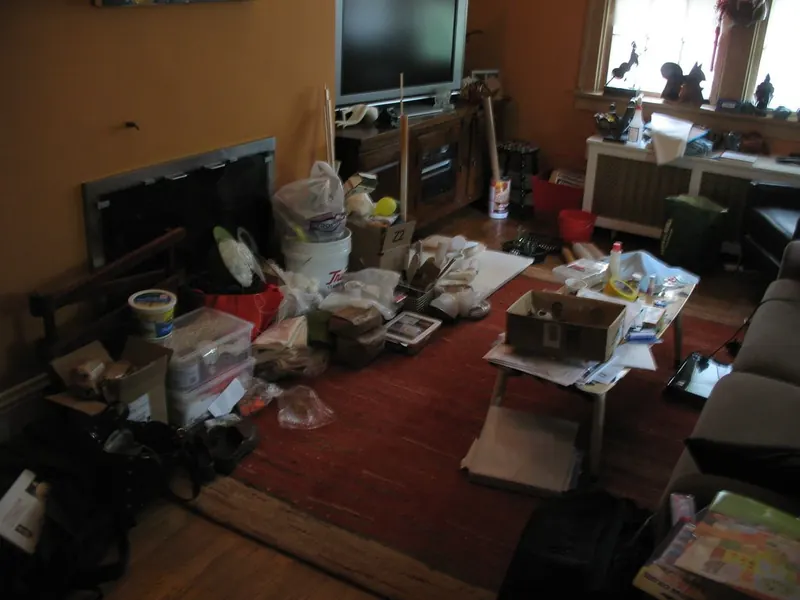
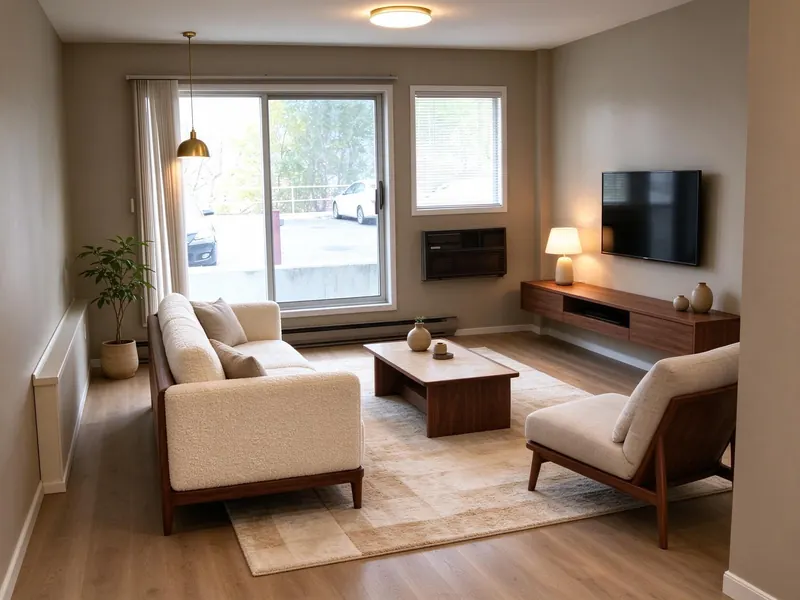
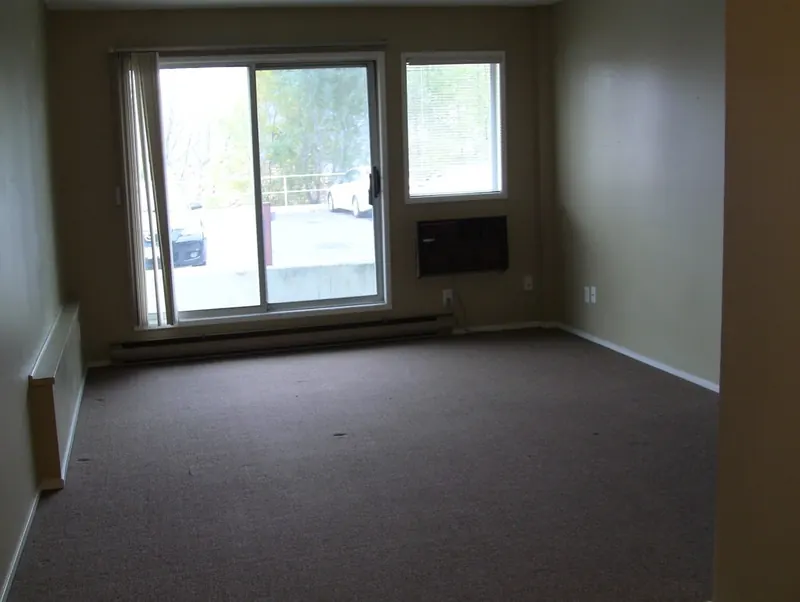
A sofa, a TV wall and a room full of everyday things can make it hard to imagine a different look. Upload your living room photo to see an AI redesign of that space, then compare it with the original.


Free to try. Paid plans and limits apply. See pricing.
Compare the overall style
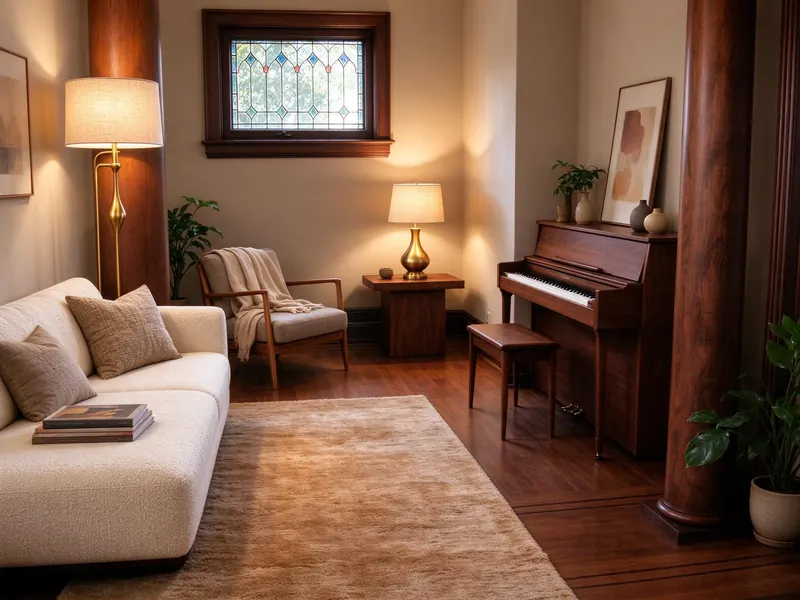
Choose an interior style and see how its colors, materials and furniture look together in your photo. Use the before-and-after comparison to decide whether the direction feels right for your room.
Try a more focused update
You can also preview a wall color, change the flooring or describe an object replacement. These photo tools let you explore an update without treating every idea as a full renovation.
Check the arrangement in the mobile app
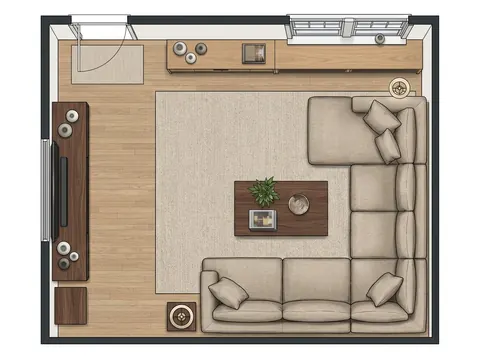
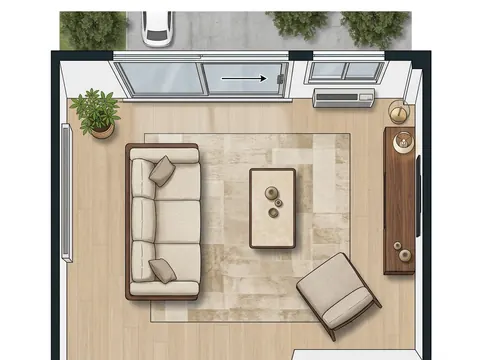
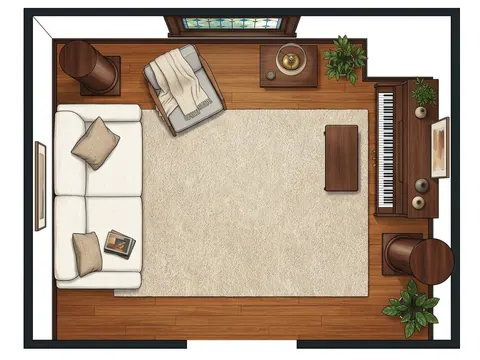
For completed indoor designs, the mobile apps provide a single-room furniture layout editor. Use your measurements to check the sofa, tables and walking space. Estimated dimensions need checking; an AI preview does not guarantee that a particular product will fit.
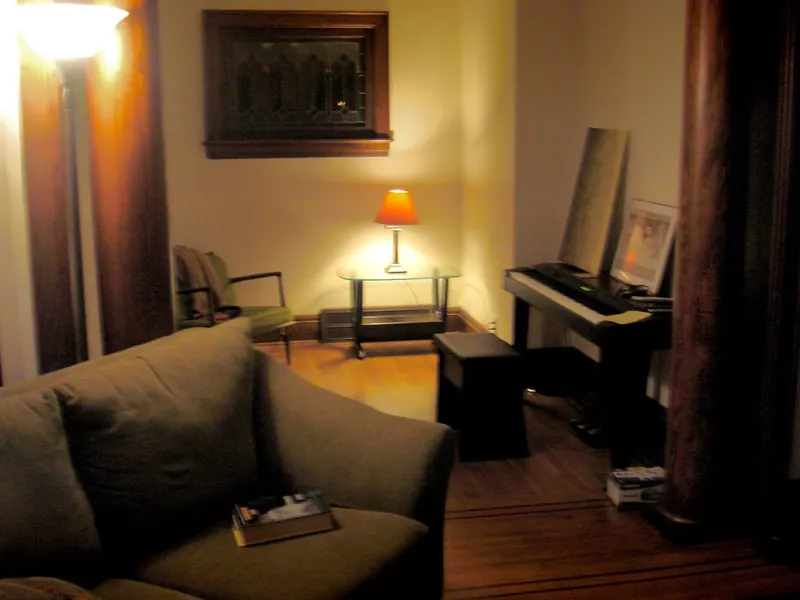
See actual photo-to-design examples
Will the AI keep every piece of my existing furniture?
AI redesign can change the appearance and placement of items. Compare the result with your photo and use it to explore a direction, rather than as a guarantee that every existing piece or product has been reproduced exactly.
Browse all examples