Indoor planning · iPhone · Android
Try a furniture arrangement in your room plan.
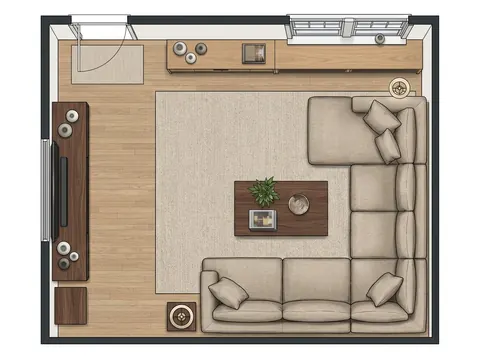
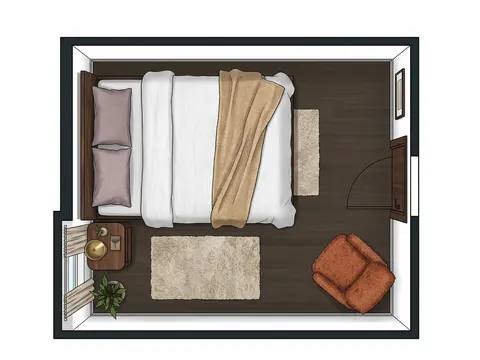
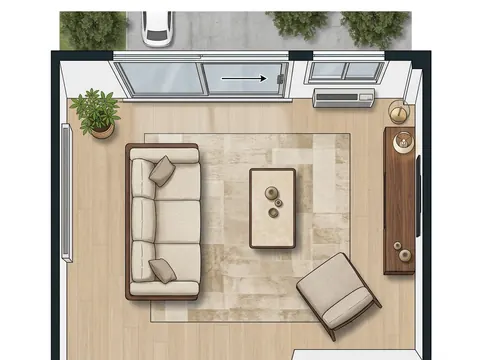
For a completed indoor design, the Roomture mobile apps provide an editable single-room plan. Explore an arrangement by moving, rotating or resizing the furniture, and check the measurements before using it in your room.


Free to try. Paid plans and limits apply. See pricing.
Start from an indoor design
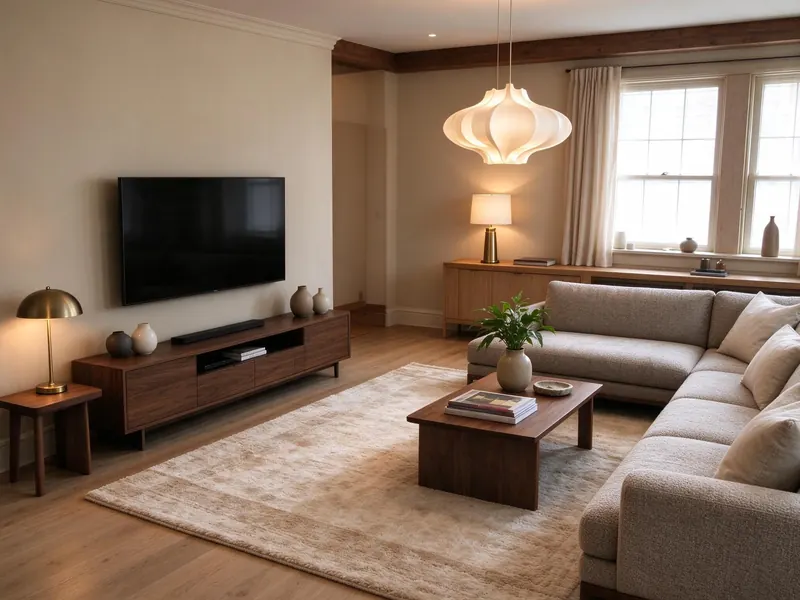
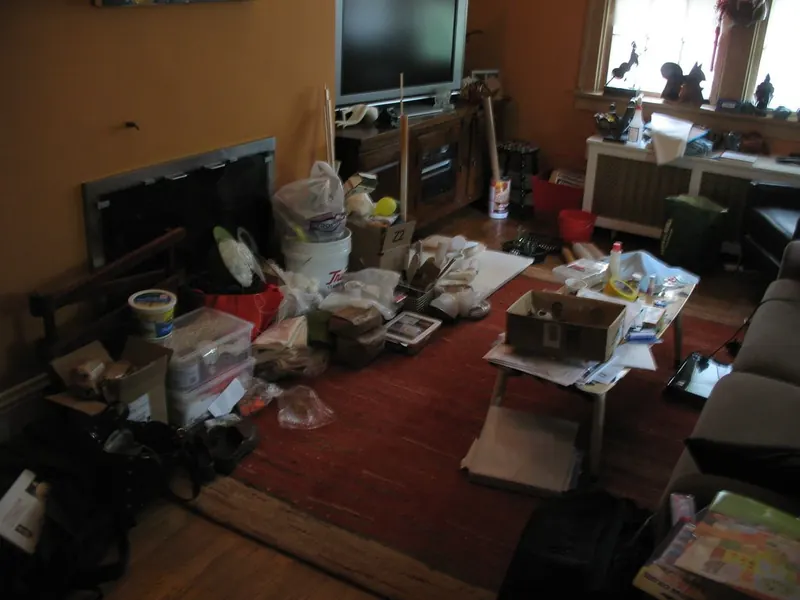
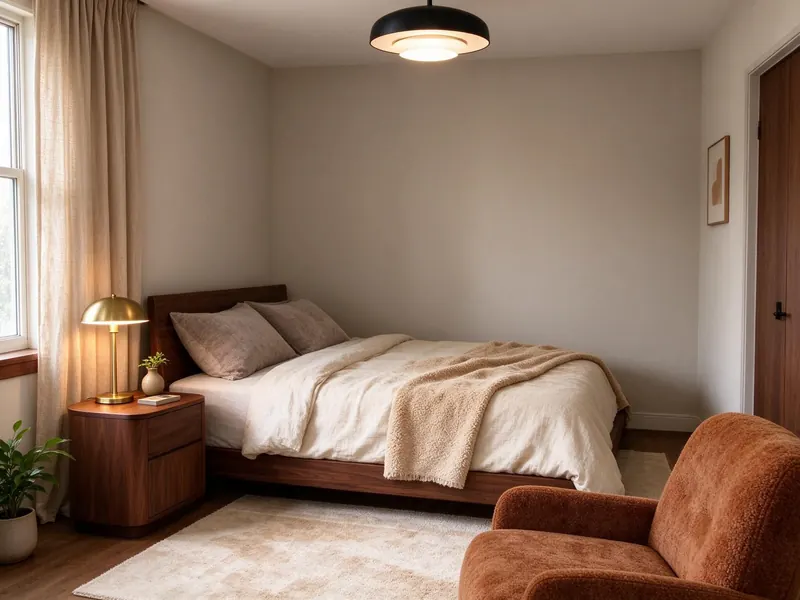
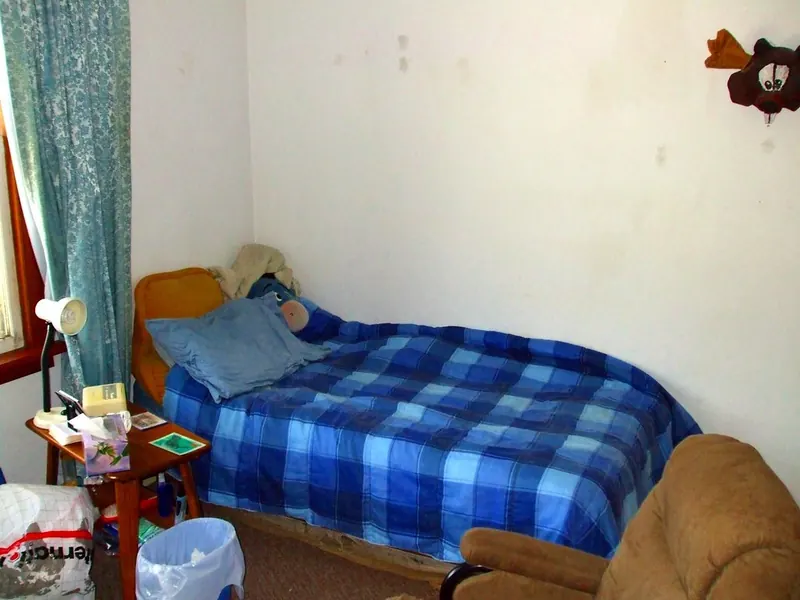
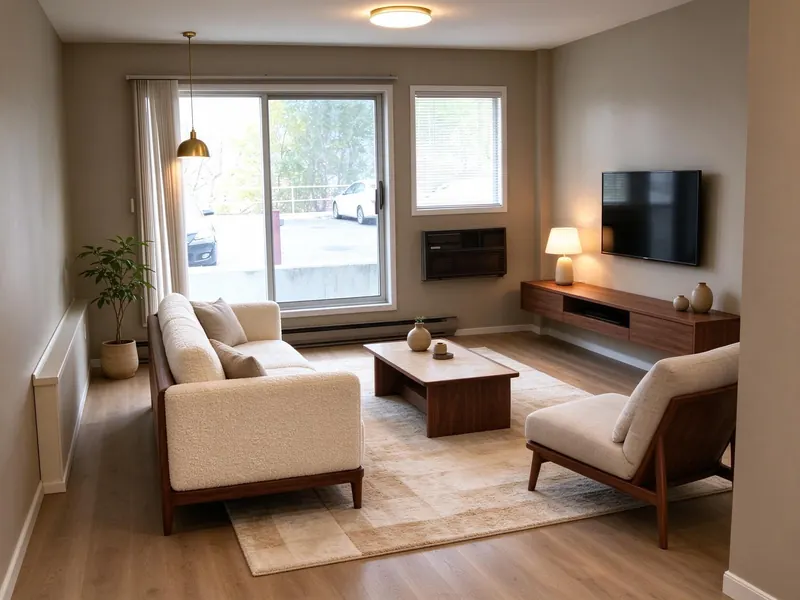
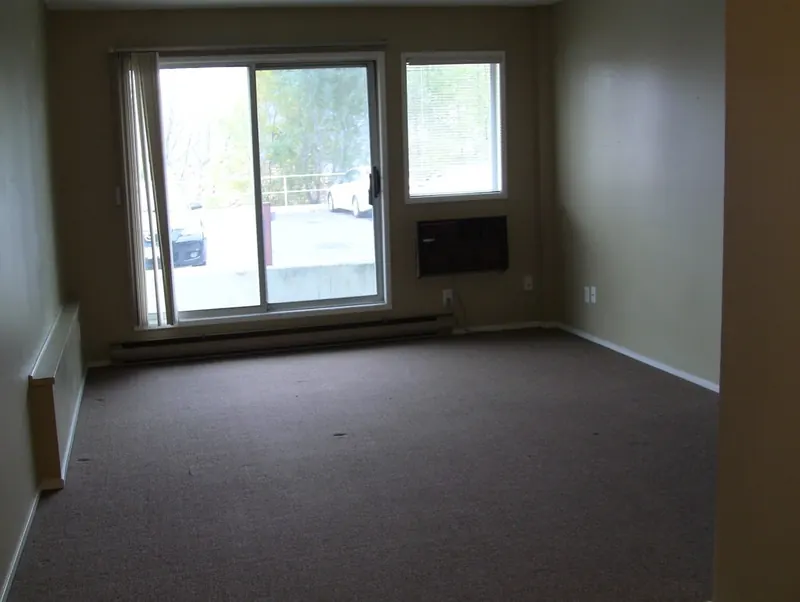
Create a design from a room photo, then open its room plan in the iPhone or Android app. This is a single-room workflow, rather than a blank whole-house planning canvas.
Make the arrangement your own
Use the layout editor to move or rotate furniture and adjust sizes. The editor can identify overlaps and clearance issues, but the result depends on the available room and furniture dimensions.
Replace estimates with measurements
Check your room and furniture sizes before relying on a fit or walkway check. An AI layout can have placement errors or estimated dimensions; editing a plan does not verify a physical product or installation.
See actual photo-to-design examples
Can I edit the furniture layout in a browser?
The editable furniture-layout workflow described here is in the iPhone and Android apps. The browser has photo-design tools and can display shared plans; those are different from the mobile layout editor.
Browse all examples