Photo design · iPhone · Android · Web
See a new direction for your room.
Start with a photo of the room you already have. Roomture creates a visual redesign so you can compare a different style, palette or furniture look before deciding what to change.


Free to try. Paid plans and limits apply. See pricing.
Start with the whole room
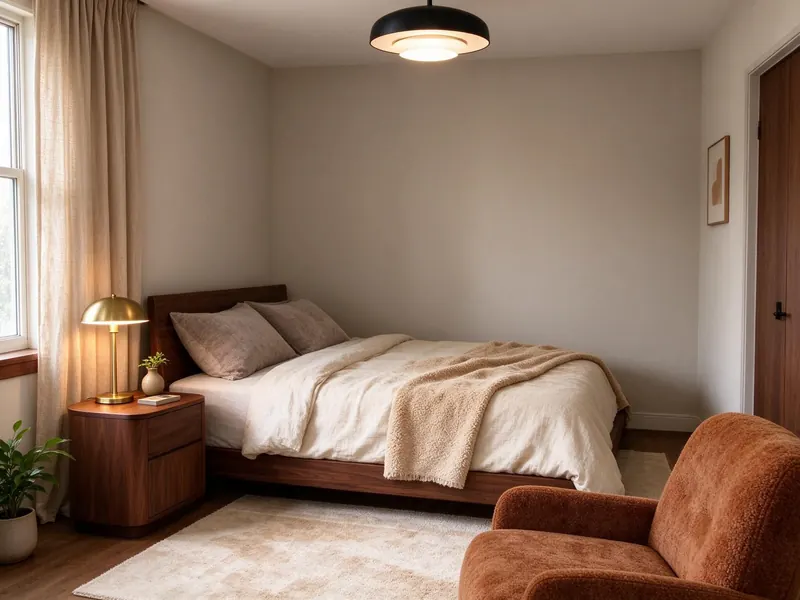
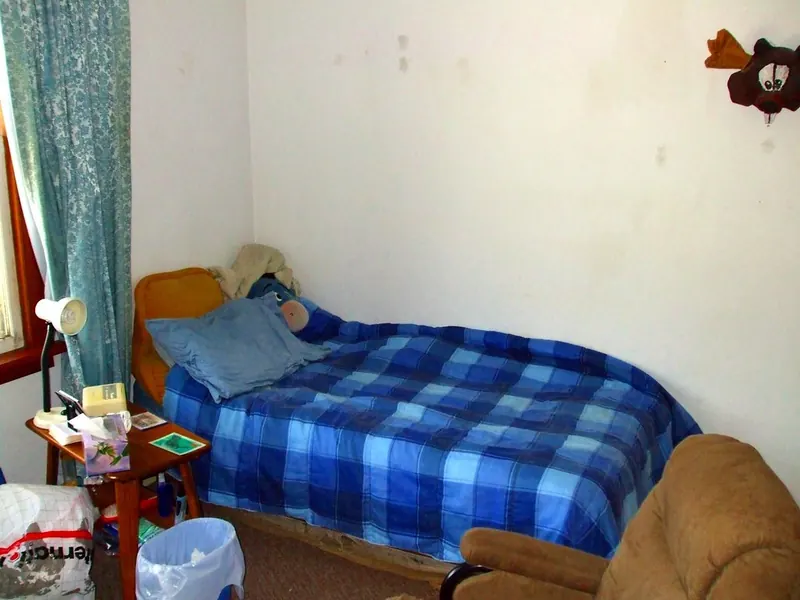
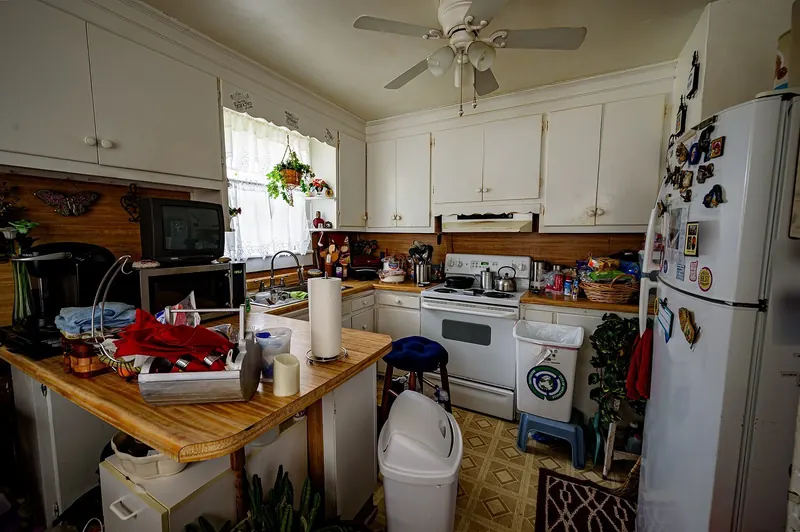
Use a clear photo that shows the main walls and furniture. Choose the room type and an interior style, then compare the result with your original photo. A result is an AI interpretation of that view, rather than a survey of the whole home.
Explore one change at a time
Try a wall color, a different floor material or a reference style with the photo tools. Comparing a few focused changes can help you decide which part of the design you want to keep.
Take indoor planning into the app
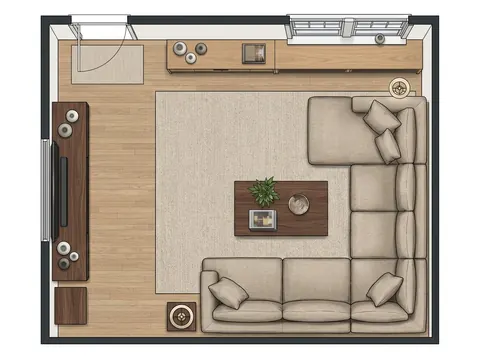
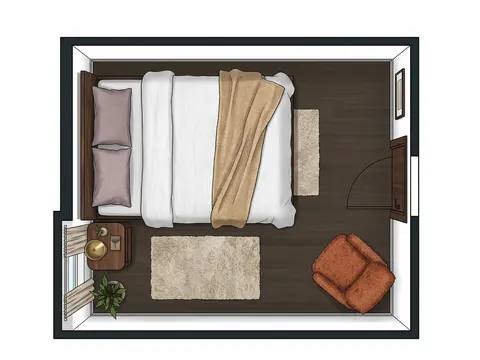
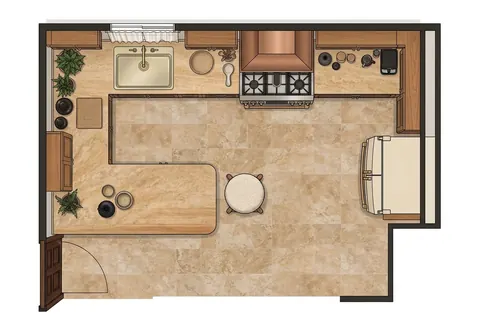
The iPhone and Android apps also offer a single-room plan, furniture layout editing and PDF exports for completed indoor designs. Check the room and furniture measurements before using a plan to buy or place anything. These mobile planning tools are separate from the browser photo tools.
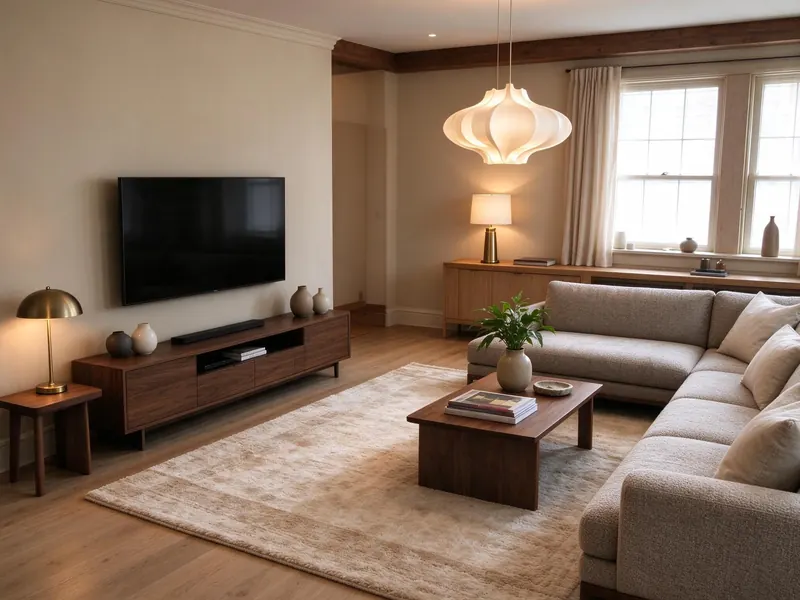
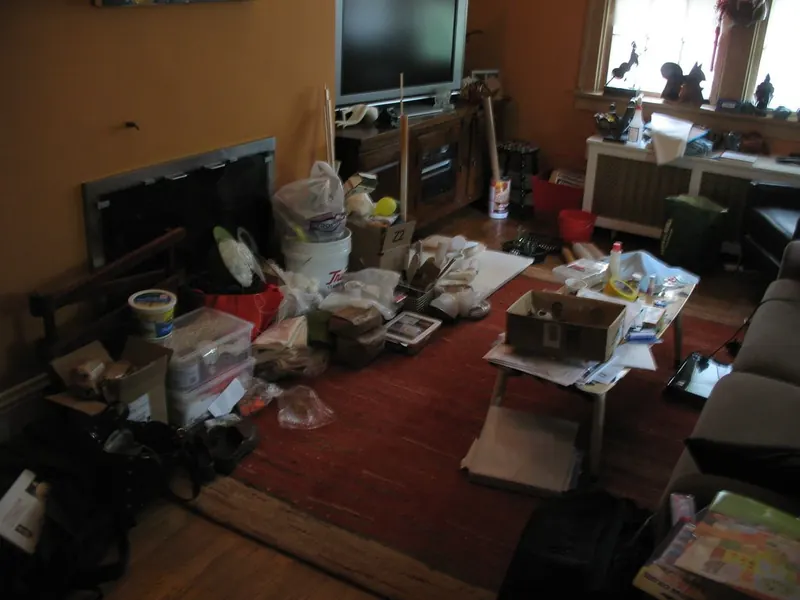
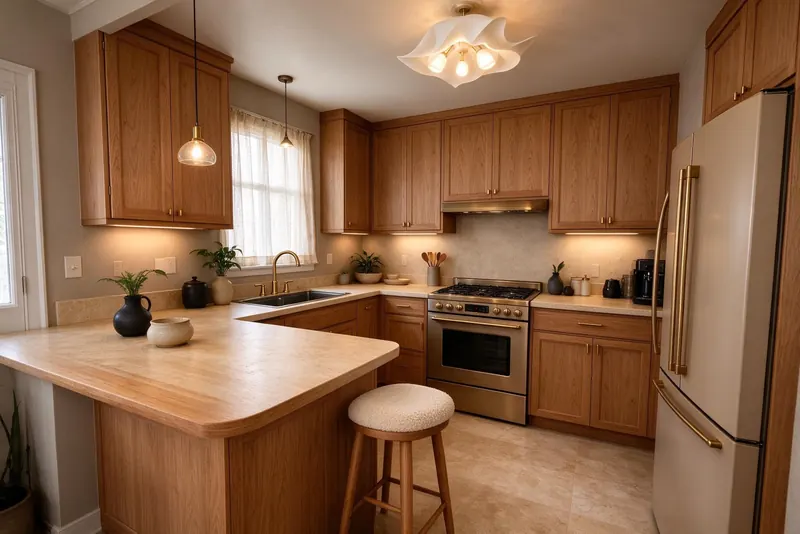
See actual photo-to-design examples
Can I design a room without drawing a floor plan?
Yes. Photo redesign starts with an uploaded image, not a blank drawing canvas. The generated room plan in the mobile app is for one indoor room; Roomture is not a whole-house architectural drawing tool.
Browse all examples